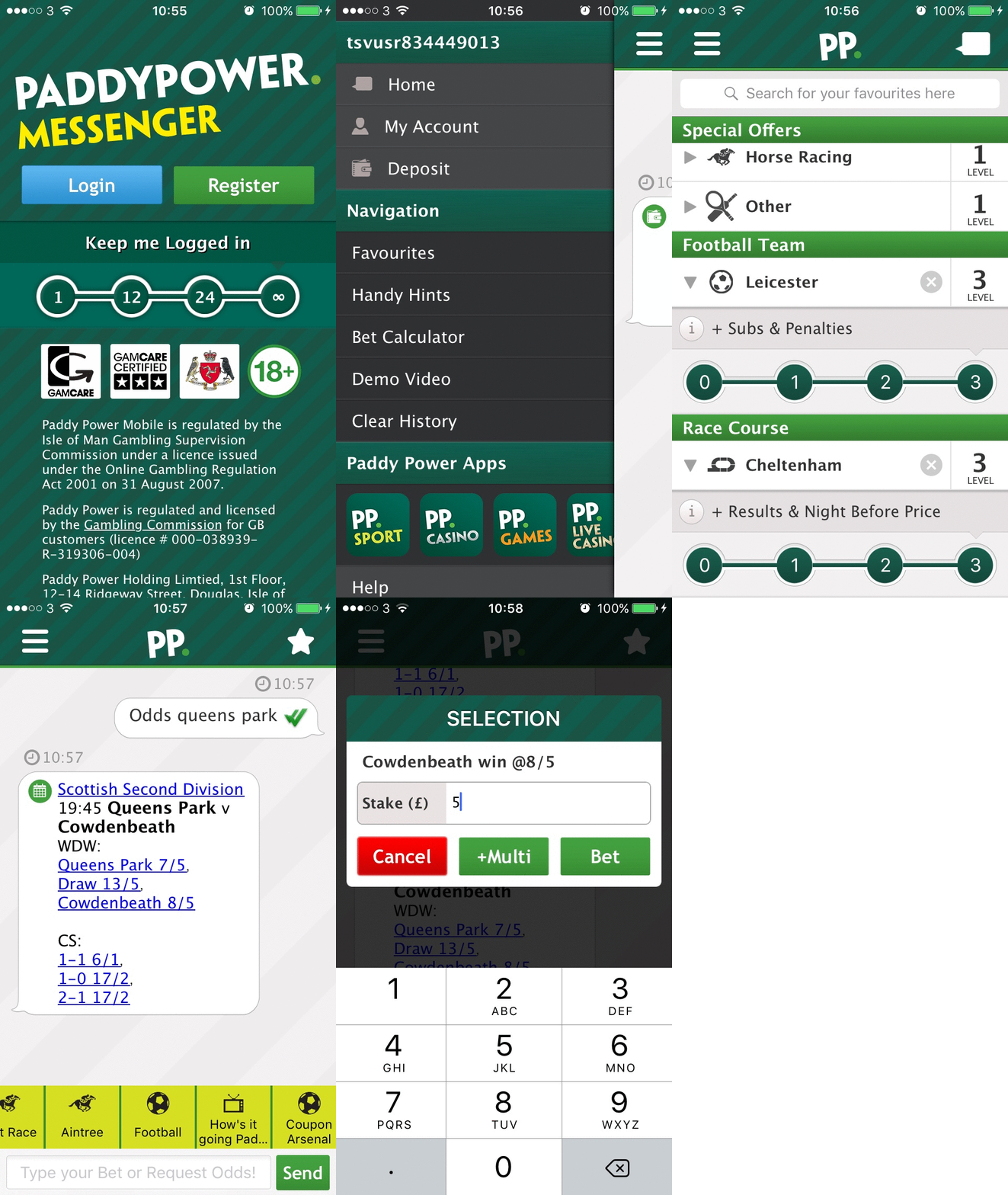
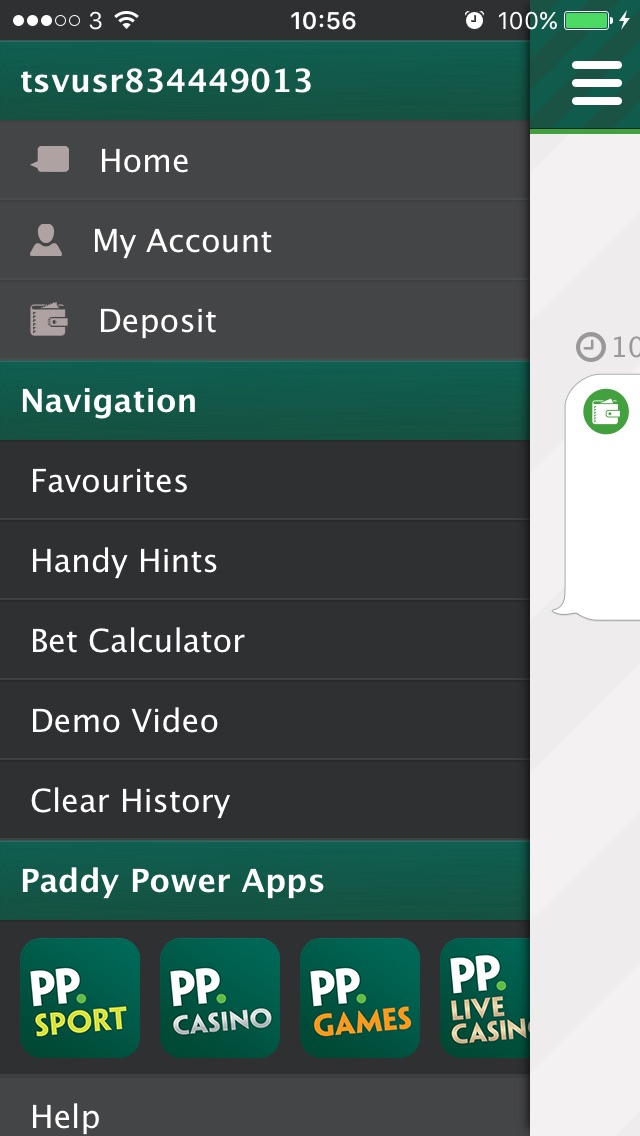
Mass market iOS and android instant messaging app
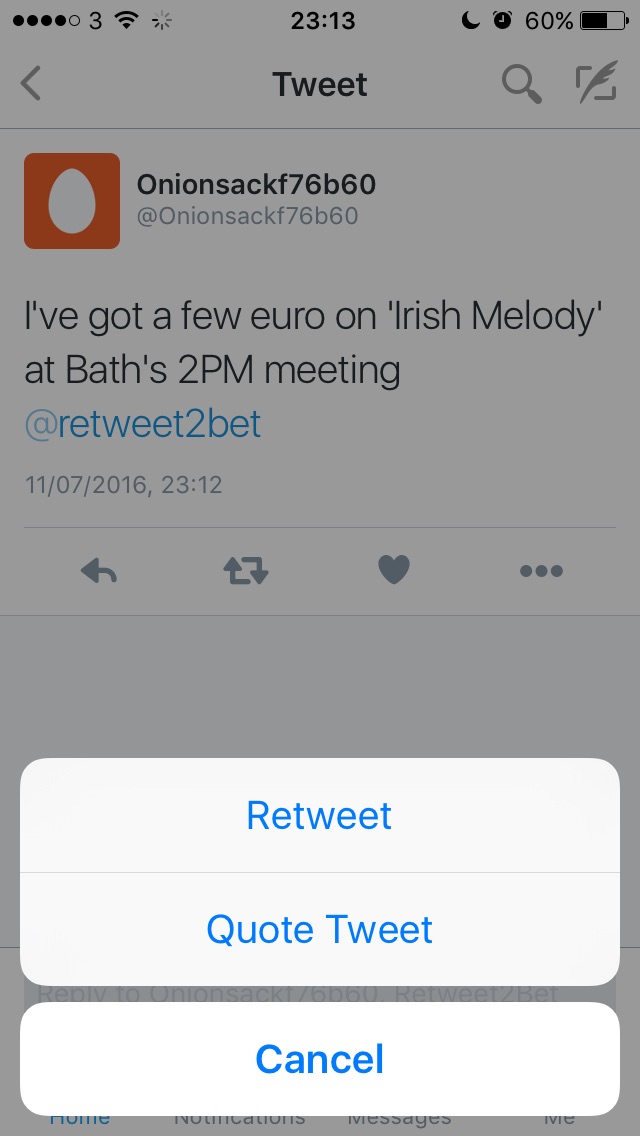
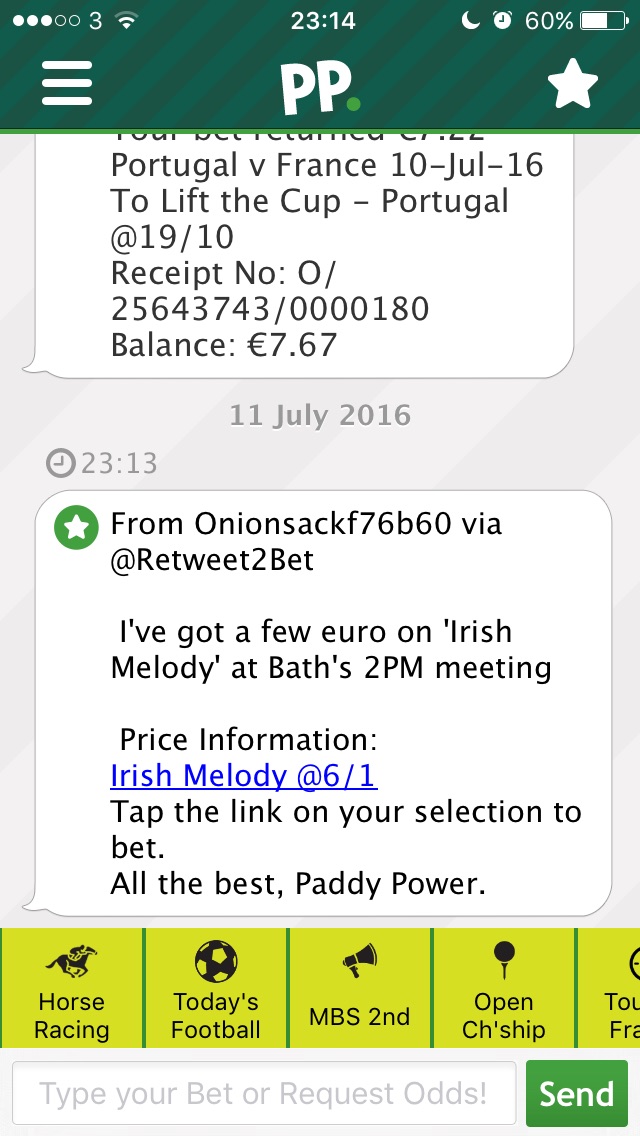
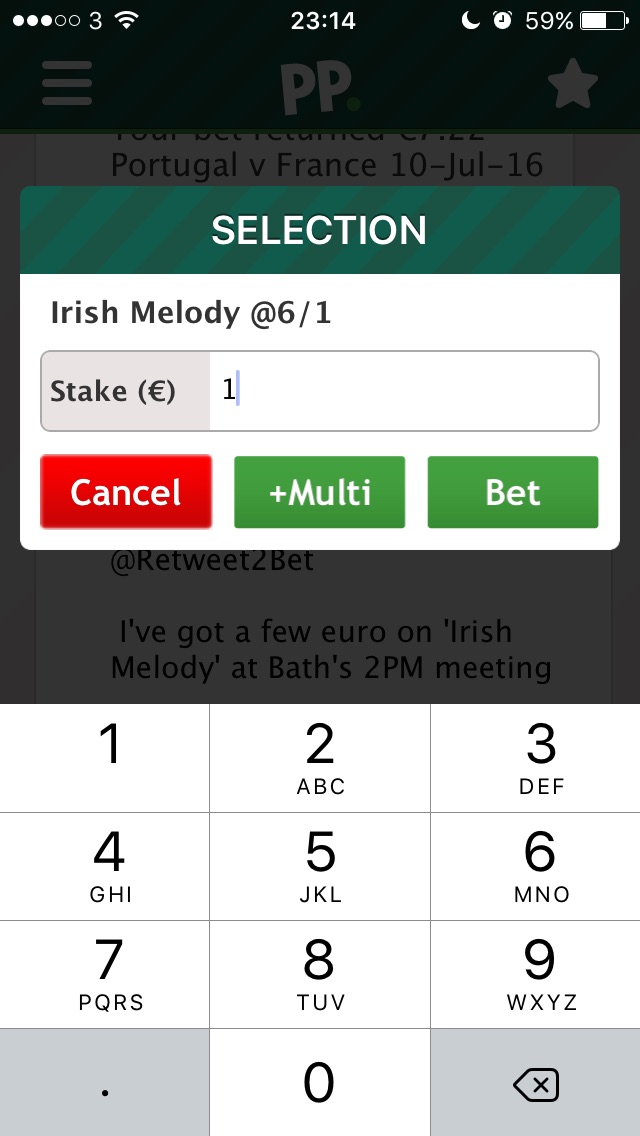
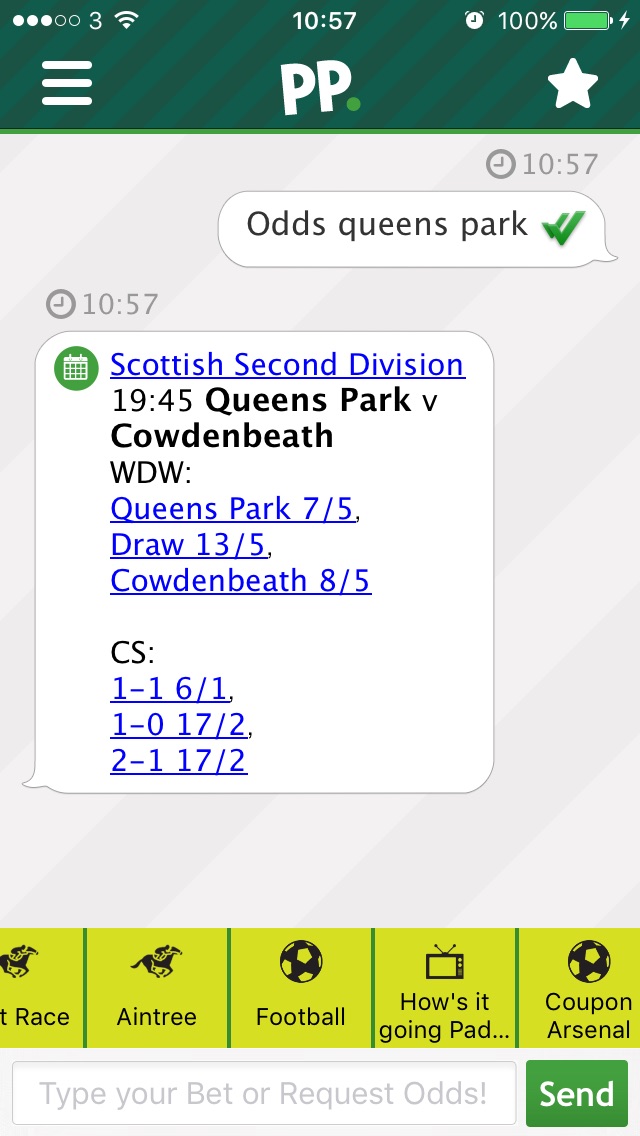
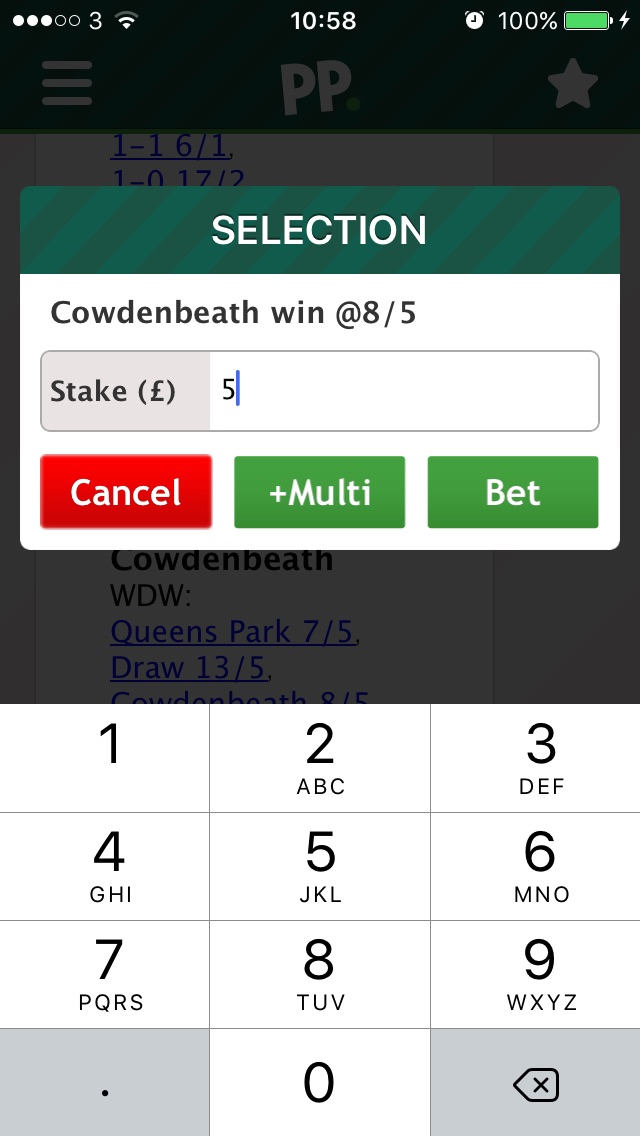
PaddyPower Messenger is an instant messaging client that puts punters directly in touch with their bookmaker. It hooks into the Onionsack platform which automatically parses and understands a written bet so users can just input their stake and selections, in a text form, to get their bet on.
Used by over five thousand dedicated daily users.
Summary of requirements
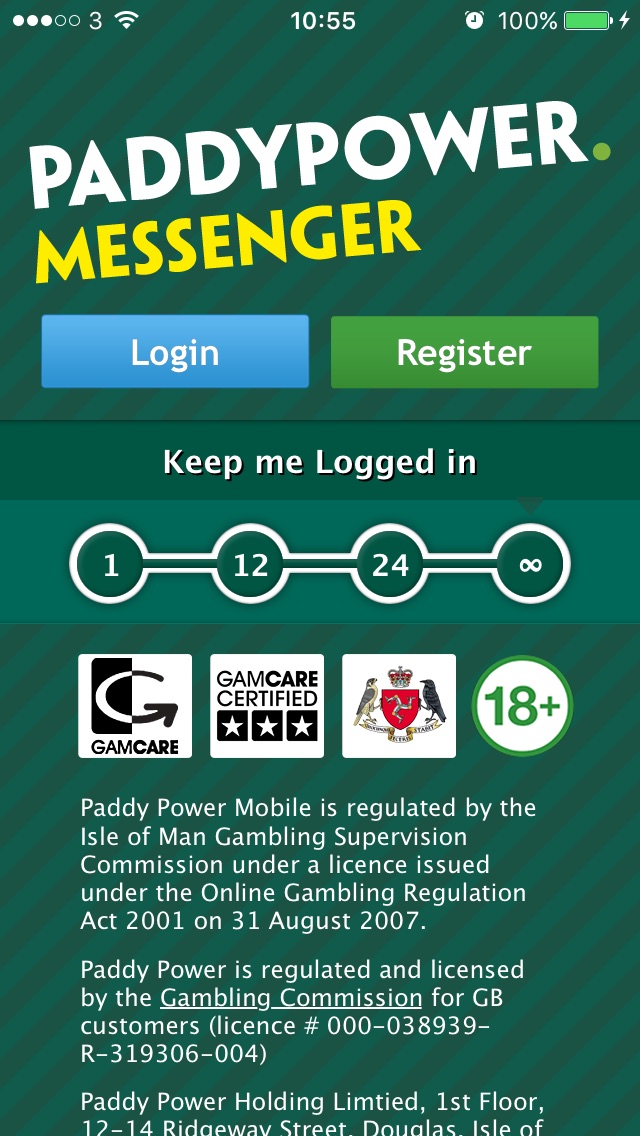
This application must login to PaddyPower directly before it can interact with Onionsack's public API in an OAuth-like manner. The login process gets an access token from PaddyPower's backend to pass to Onionsack for verification.
The application then logs into Onionsack's API with the access token, creating an Onionsack session for initialising the websocket. Users can then interact with PaddyPower by sending messages, clicking links, requesting prices or adding alerts.
Alerts, or 'follows', allow users to pick events, horses, venues or particular sports they want to be alerted on, then later they will recieve messages about these events with embedded betting opputinities.
Many different message types must be supported by the application requiring a large set of specific native views. For example, the deposit feature must use a modal view for entering of the user's CV2 number as this can not be stored in the clients message history.
Smooth handling of reachibility changes, intelligently restoring connections as needed.
Technology
-
iOS
XCode, git, pods
-
android
Android studio, gradle, git
-
Websockets
with SocketRocket, Autobahn
-
PaddyPower & Onionsack APIs
over HTTP and websocket
-
Fabric, Answers & Crashlytics
for internal releases, crash reporting and analytics
 Résumé